All posts by Mindful tester

Tricky Driver Dilemma

Ability to learn

Decades ago I had a colleague without a driving license. In case of trouble he would take public traffic or got a ride of his boss. His boss decided to give him driving lessons during office hours. It saved the company time and money.

Suppose you have a delivery firm. Your company picks up packages and delivers them to the right addresses.

It takes about a few months to get a driving license for a car. But sometimes a motorcycle is more convenient. This will take another few months. If a lot of packages must be delivered, then another driving license for a truck is needed.

For super fast and expensive delivery you can use a spacecraft and …

This is the point, that a favourite quote of a project leader is used:
“This is no rocket science. ”

Searching testers

OK time for the real message.

Suppose you are a manager of a Dutch software delivery company.
You look surprised, but you mentioned Continuous Delivery. Let me continue with writing.

You happen to need a tester. On the Dutch tester job market there is a shortage of qualified men and women. The basic requirement is test automation.

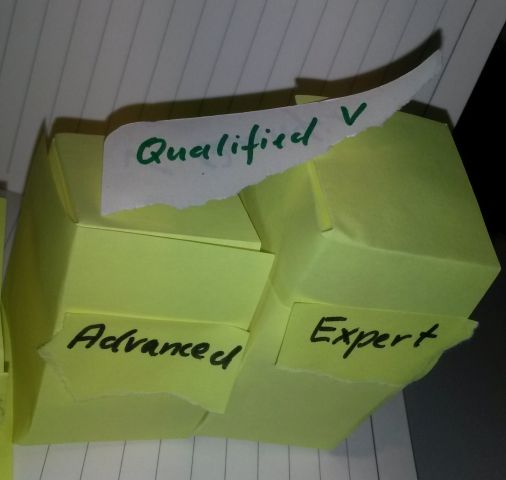
A paper with "Qualified" lies on 2 steps "Advanced" and "Expert"

Why is test automation so hot?
My guess is DevOps or competitors.
But you are the manager and you have all the clues.

So you have to hire consultants to get things tested. And that is quite expensive.
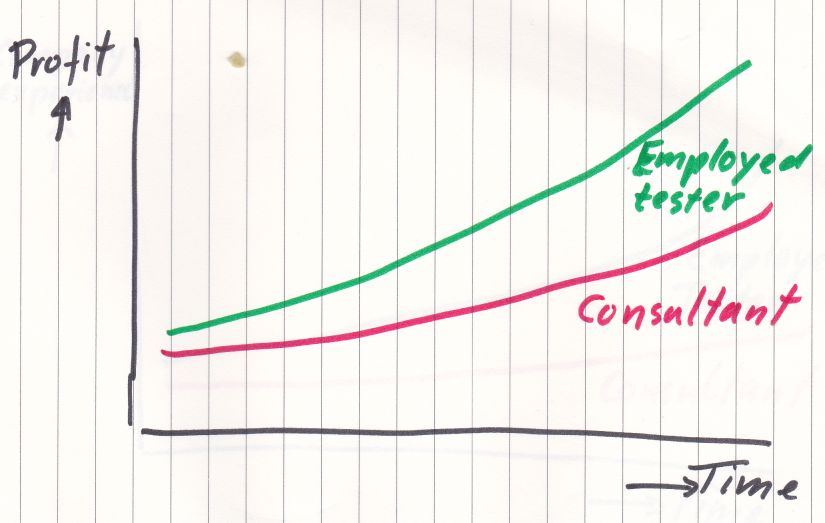
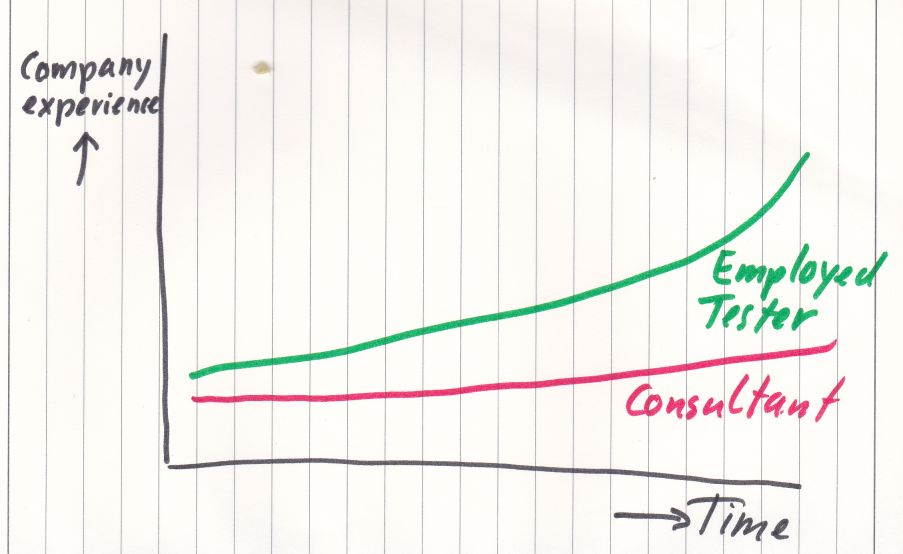
At the end of the project or sprints you have less profit and less experience in your own workforce.
A graphs with a vertical axis with "Profit" and a horizonal axis with "Time" containing a red slow rising line with "Consultant" and a green steeper rising line with "Employed tester" above the red line

A graph with vertical axis with "Company expertise" and a horizonal axis with "Time" containing a red slow rising line with "Consultant" and a green steeper rising line with "Employed tester" above the red line

The only solution is to hire and train testers. Just like the driving license story it takes months and probably years to get testers at the right level.

New testers should be hired for their ability to learn. Of course you can wait, until an experienced test automation tester knocks on your door. Maybe you are lucky this year.

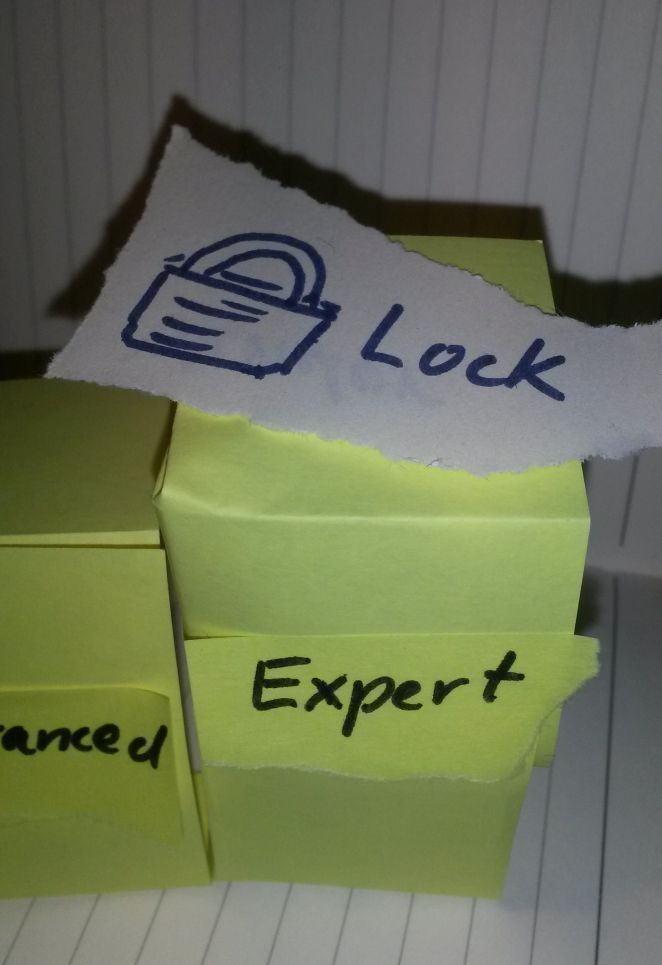
Basically you have a vendor lock in. You desperately need a consultant for the test automation.

A piece of paper with a picture of a lock and "Lock" lies on a step with "Expert"

According to me there are more unskilled testers willing to learn than qualified testers looking for a new job.

A tester is just unlucky, if he or she was not able to touch tools like Selenium and Cucumber during project or sprints.

Teaching matters

One of the things I learned is Zone of Proximity. If people are in the same zone, then they can teach each other.

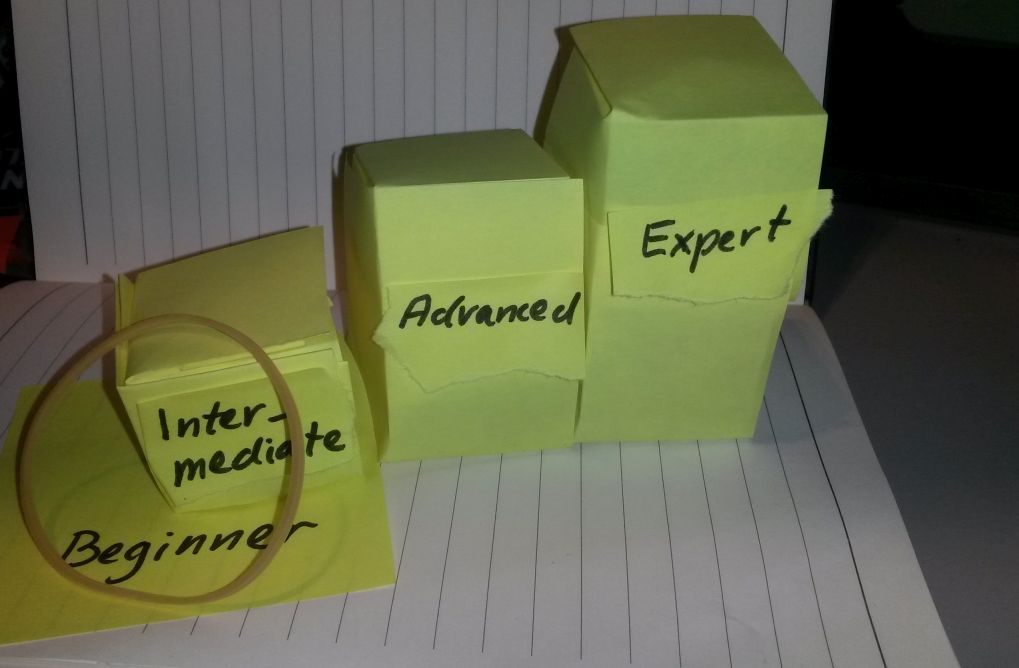
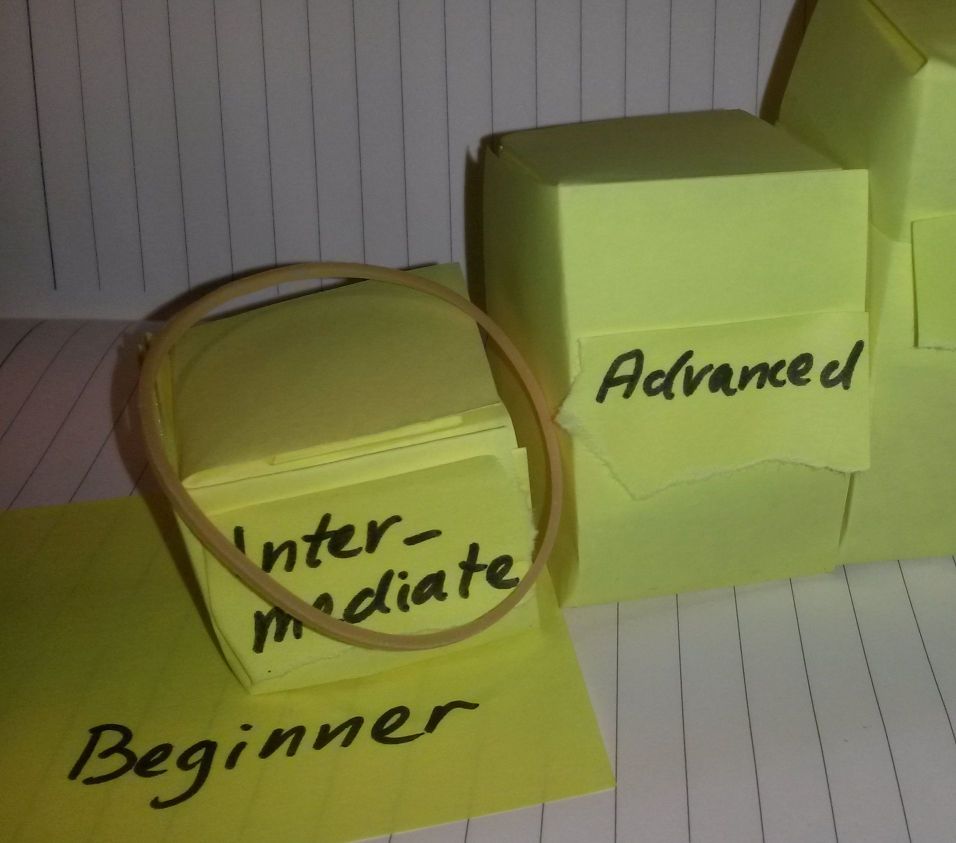
Stairs with steps "Intermediate", "Advanced", and "Expert" on a floor "Beginner". A rubber band lies on the step “Intermediate” and “Beginner”

There are companies which really want qualified or expert testers.  It is too difficult to  teach test automation to testers with beginner level. In this case they are outside the Zone of Proximity. It would cost your company too much time and money.

Stairs with steps "Intermediate", "Advanced", and "Expert" on a floor "Beginner". A rubber band lies only on the step “Intermediate”.

  • A solution is to lower the requirements for testers and invest more time in teaching. This might attract more candidates.
  • The other option is to keep the requirements and hope high to attract the expert tester. Wait a minute. Wait a week. Wait a quarter.

In the ever changing world of software delivery you need a new edge: how well can you teach testers test automation?

We need to speak. Let’s talk.

Especially, if you want to speak at a conference in 2019.

My New Year’s resolution is to speak at one conference. But it takes a lot of actions from my side.

This year I tweeted about sketch notes for a workshop. This triggered me to write this post about using visual tools in 3 acts.

Ready? Set. Read.

Act 1

A conference does not need a complete presentation in advance. So this is a huge time saver. Call it a lifehack.
Serious. Hack.

I always look at the theme of the conference. Most of the times this leads to 2 proposals. A proposal is a summary of something.

Something is what I am mulling about in my brains. I only have to put it in a mindmap.

There are several structures. A favourite one is an experience report. STAR is rather useful:

  • Situation
  • Tasks
  • Actions
  • Result

Once I was a test coordinator and I was requested to execute a performance test. I hired a performance tester. The website could handle the load properly, but the web masters had to cope with long delays. So I opted for a hybrid approach: a computer for a load test on the website and human testers acting as webmasters.
The result were acceptable response times.

Another way is to address nagging questions. This could lead to a presentation about exploratory testing and regulations.

What about this pitch?
I used Exploratory Testing in the healthcare domain. My tests passed audits in 2 consecutive years.
Pretty cool.

A nice workshop is based on exercises. No sweat no gain.

Structure is something like 1 exercise per hour including setup, doing and reflection.

I always go to the submission form and find all questions in advance. While submitting I prefer copy and paste. I copy the text in the note of a branch in a mindmap and I paste the text in the answer in the submission form. I try to avoid situations like ‘That will take another hour to answer this question properly’.

Most proposals have the following elements:

  • Info about speaker including speaking experience
  • Description
  • Summary
  • Takeaways

Okay time for a visual tool. Enter the mindmap.

For more details just click on the pic(ture).
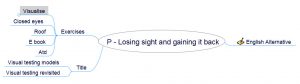
Mindmap with branches exercises, title, and English alternative
In case you noticed some Dutch words, it is my mother language. So I translated some words in English. For the record this proposal was accepted after more than 2 years.

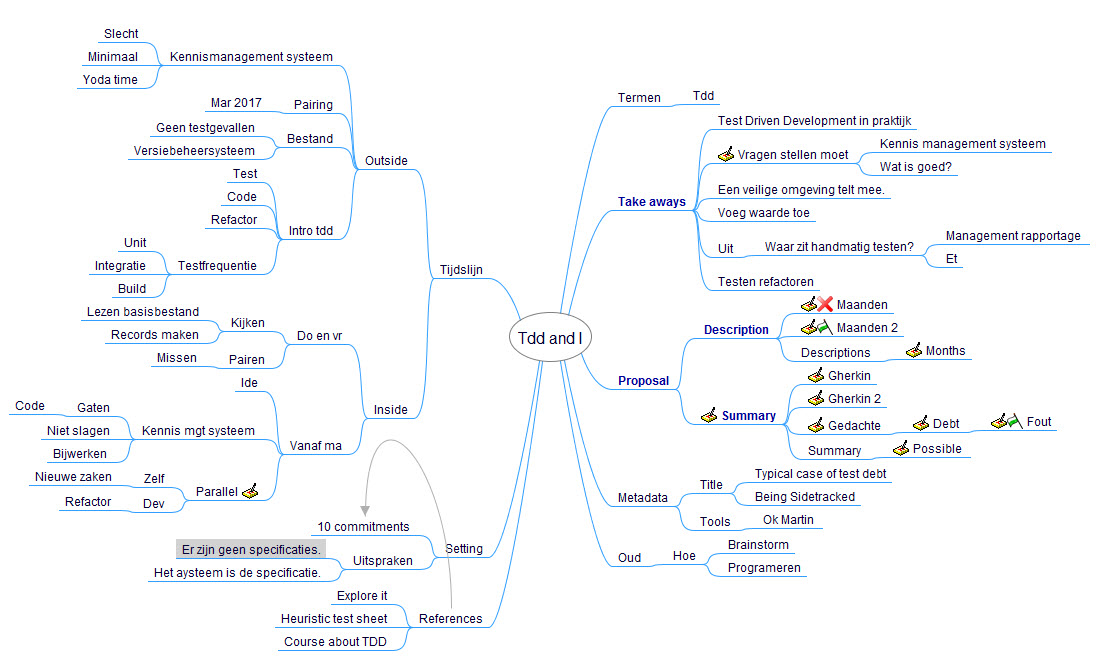
At the office I worked with TDD. This lead to this mindmap.
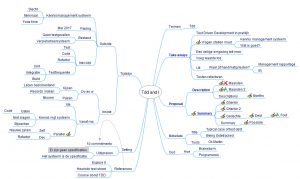
Mindmap with branches timeline, setting, references,termen, summary, description, metadata, and Oud

The description. summary, and takeaways are shown in blue and bold. I wrote a lot of thoughts in the branches. This proposal was rejected several times, so I turned this in a blog post serie.

This year General Data Protection Regulation needed a bit of exposure.
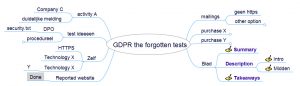
A mindmap with the branches activity A, test ideeeen, Zelf, Reported website, mailings, purchase X, purchase Y. and Blad
This proposal was not accepted and also this one was transformed in a blog post serie.

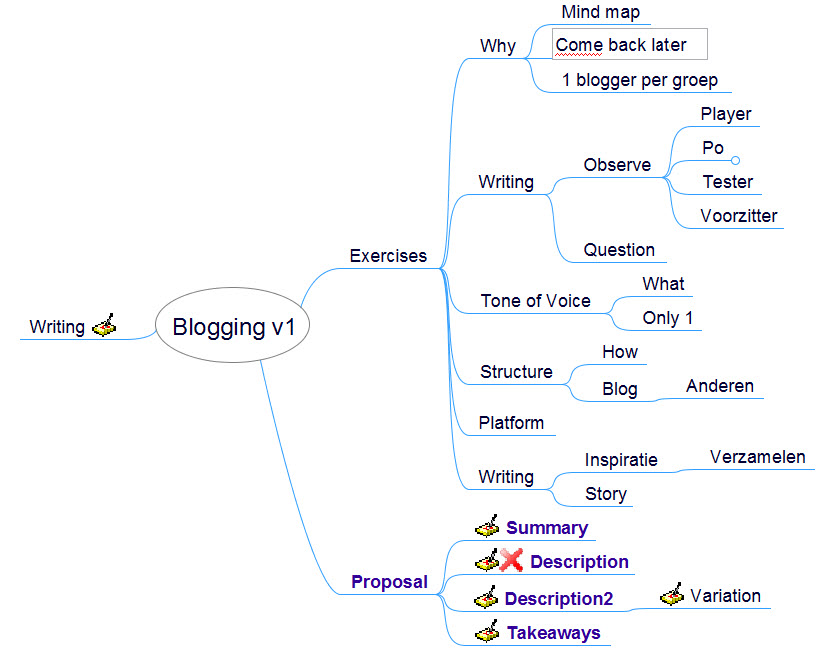
This minimal mindmap was a remake of other mindmaps.
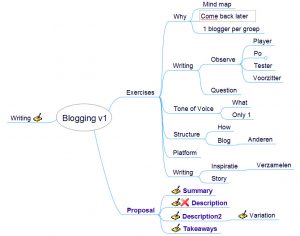
A mindmap with the branches Exercises, Proposal, and Writing
It took me several attempts to get my workshop for blogging accepted for a test conference.

Act 2

[Update author: my opinion is not the same as the author of the referred characters, but I believe in the goodness of the good characters.]

The last years I use a lined notebook to make sketchnotes. It is my way to be creative in a visual way. I feel like a Merry Potter.
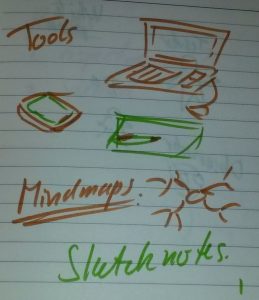

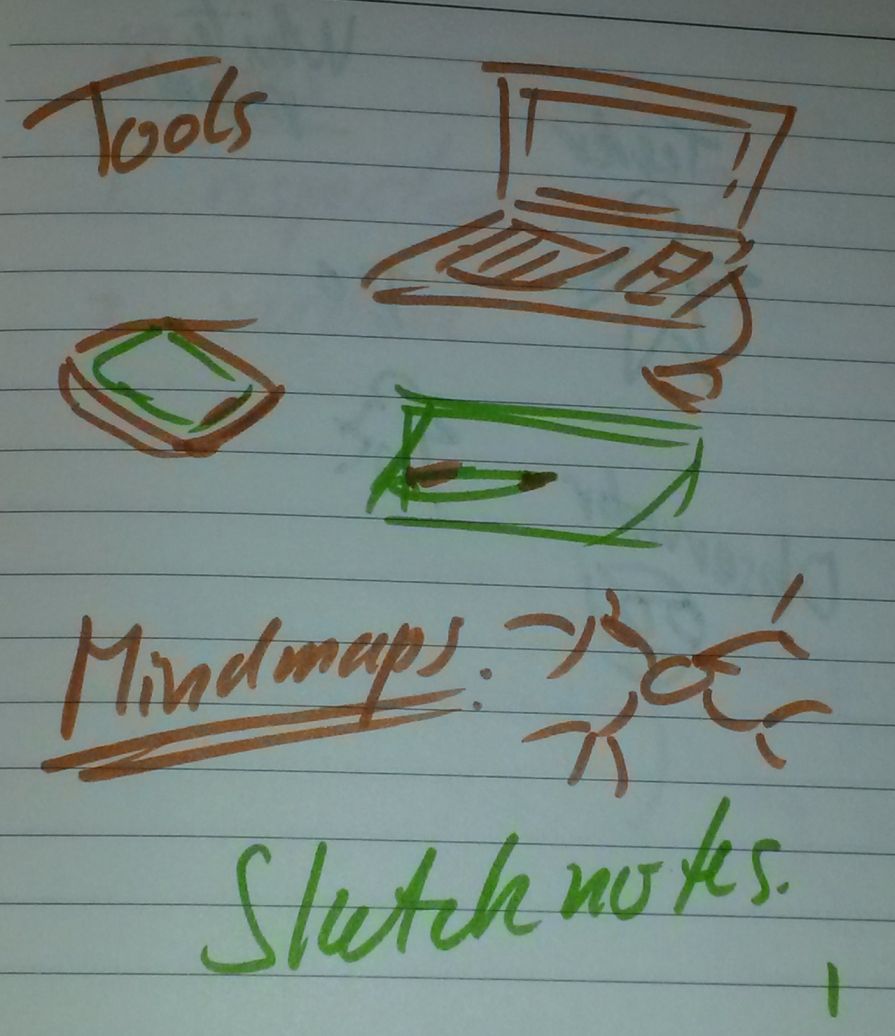
“A lot of people think you can only use a laptop to write blog posts. Well, this picture shows my tools I use for blogging. And yes, marker and paper have impact on my writing. Sometimes I have to rewrite whole sections.”
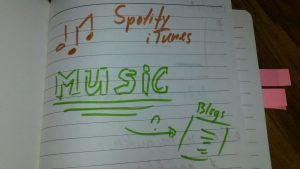
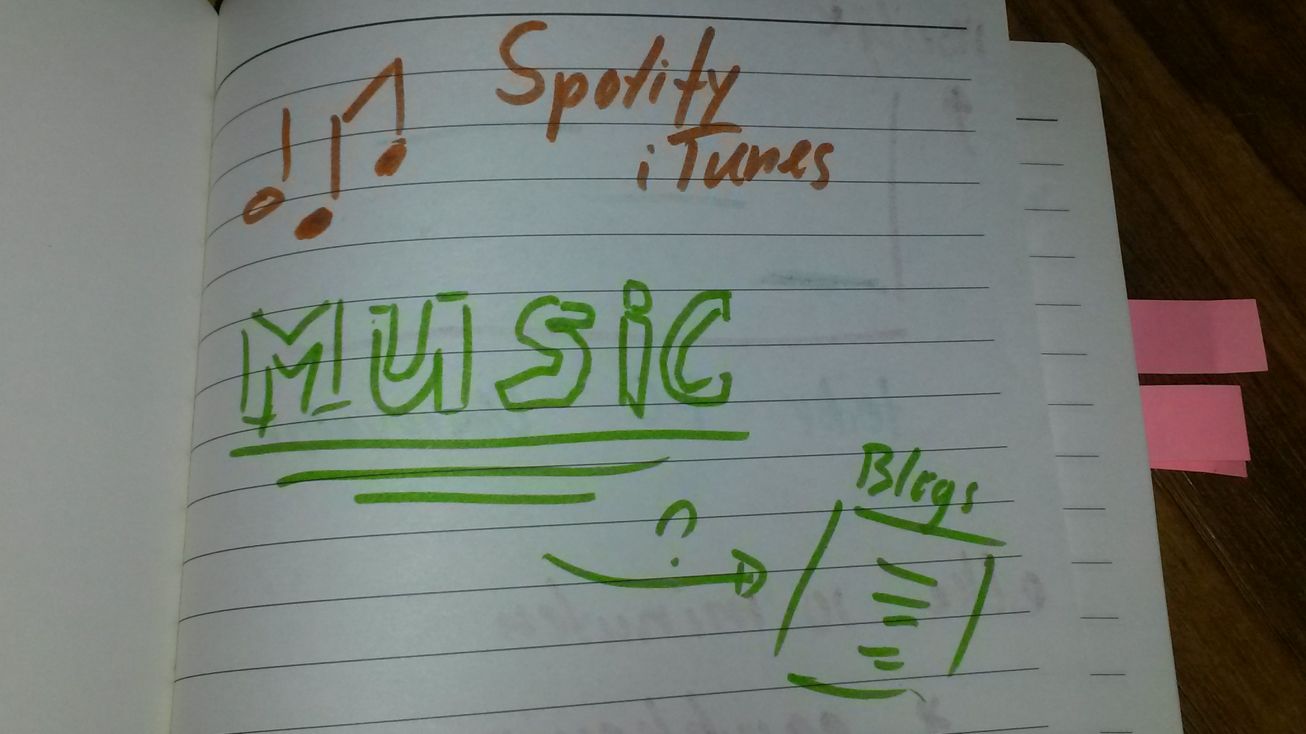
Music notes followed by ‘Spotify iTunes”. “MUSIC” has an arrow with “?” pointing to “Blogs”.
“Would you please raise your hand, if you use Spotify or iTunes?
Thank you. As expected most people listen to these services.
Personally I think music is important.
I see people nodding.
Question: why do you not use music in your blog posts?”
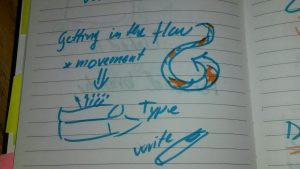
"Getting in the flow " followed by a curly lined arrow. "movement" pointing to a typewriter with "Type" and a pen with "write".!
“One of the difficult things with blogging is paralysis. What is my first section, first sentence, or my first word? What I do, is start writing and get in a flow. Movement of the body also leads movement of my mind.”

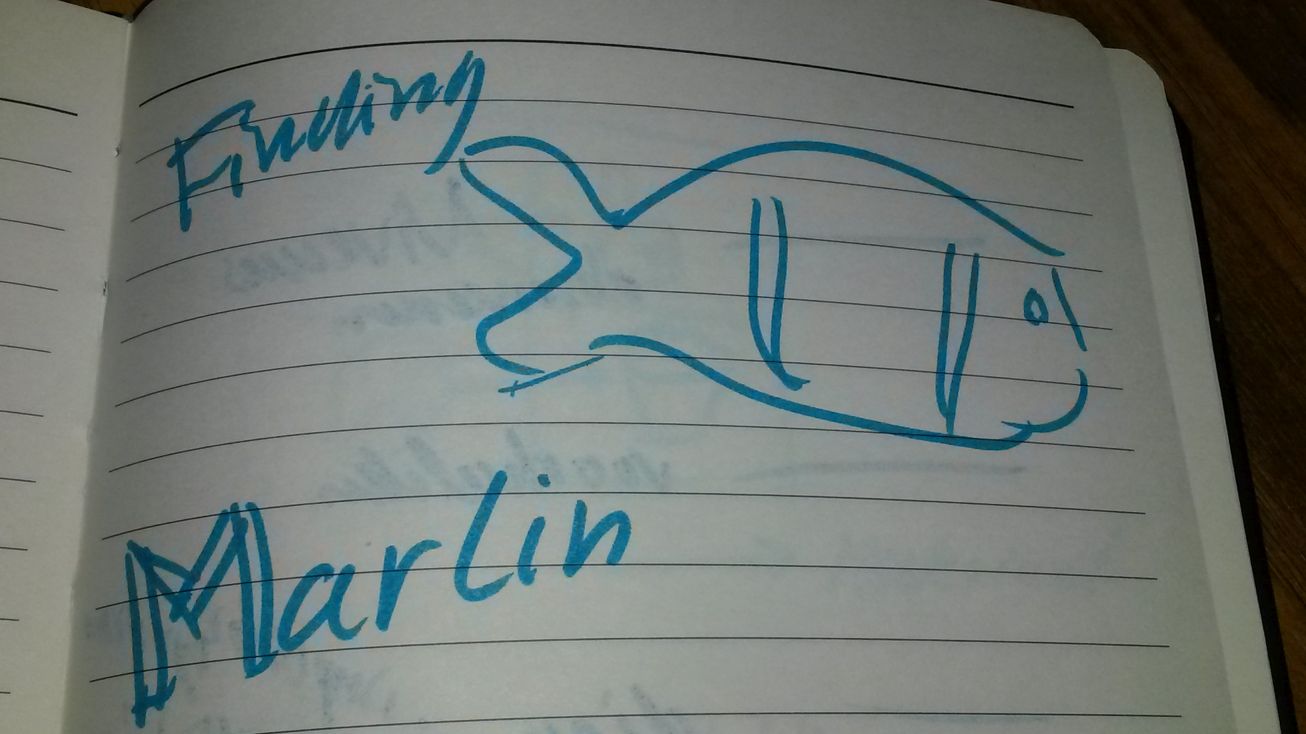
"Finding" Picture of fish "Marlin"!
“When I blogged a post, I discovered the heuristic ‘Finding Marlin’ Marlin stands for ‘Make a real life impression now’”.

Readers recognise situations like conservations. I just describe what I see and hear.”
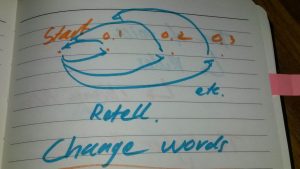
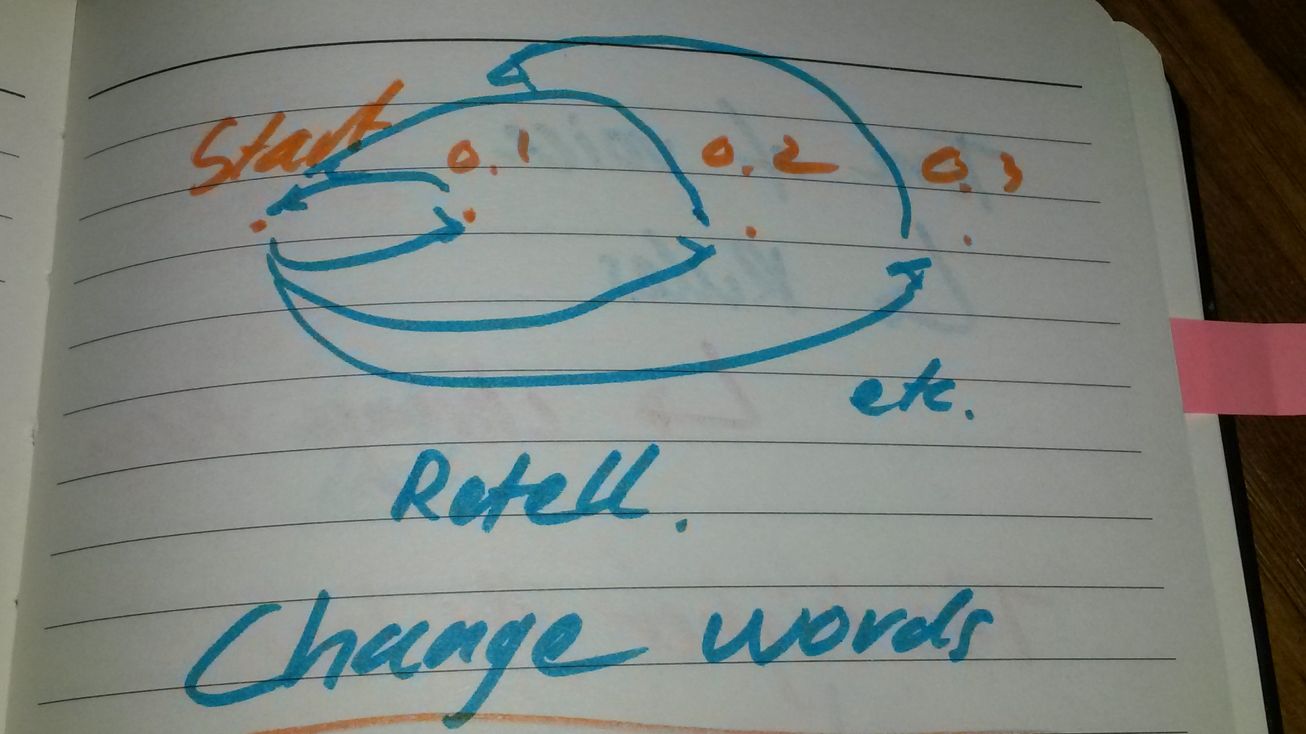
"Start" pointing to "0.1" and versa. The same for "Start" and "0.2". The same for "Start" and "0.3". Under picture "etc. Retell.”!

“A good story develops over time. The first time I write a story it is bland. It does not excite me. So I change a few words for more speed and flavour.”
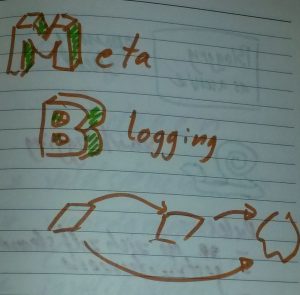
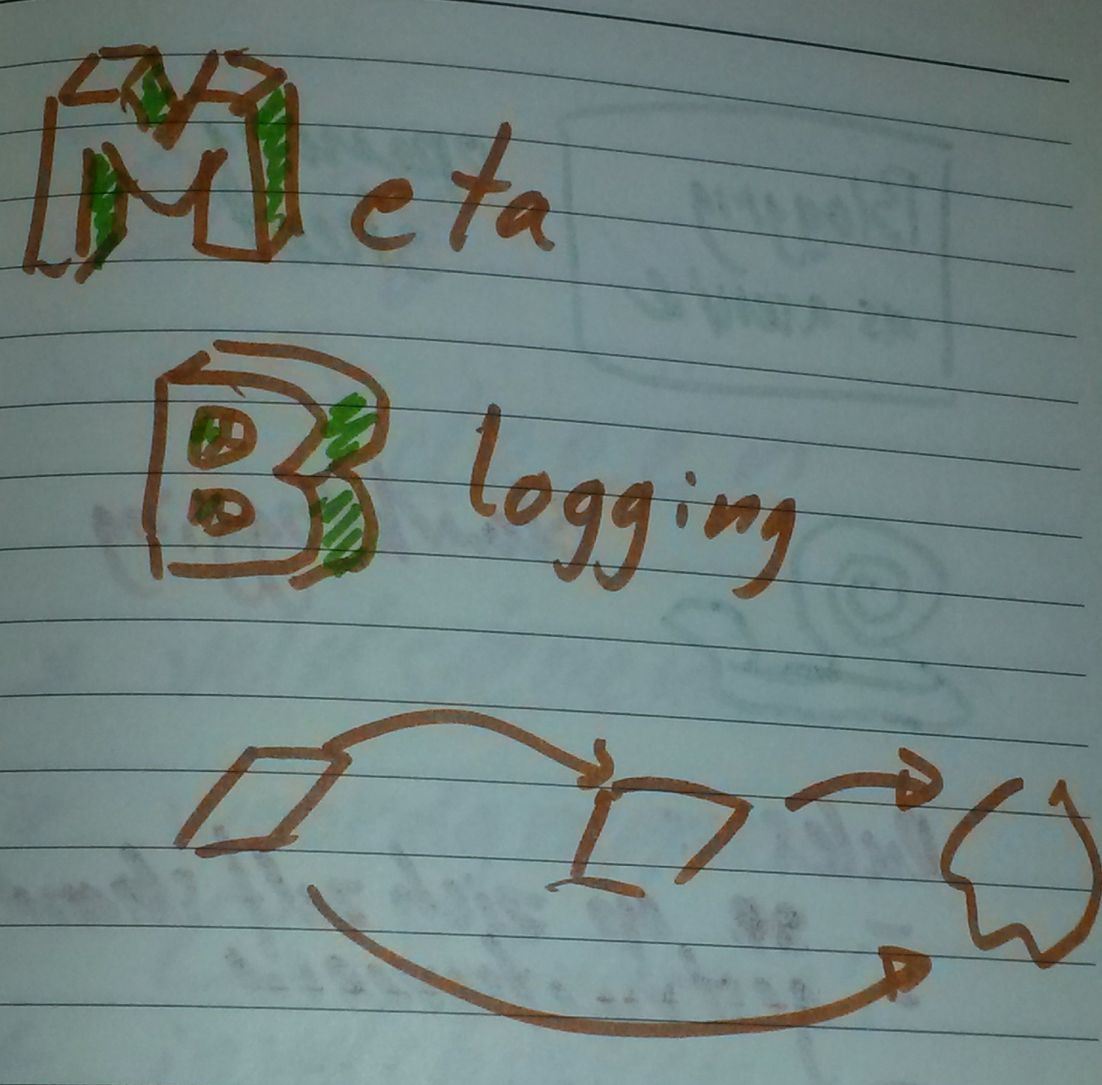
“Meta Blogging”, followed by a rectangle pointing to a rectangle pointing to a cloud. There is also an arrow from the first rectangle to the cloud.!
“A blog post is something I put in the cloud. First I make a file. The text including markup instructions I copy to the cloud for multiple edits and  publication. I blogged about this process. The most left rectangle is the blog post about writing blog post and the resulting blog post. I call it meta blogging.”
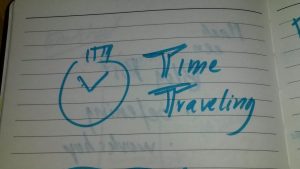
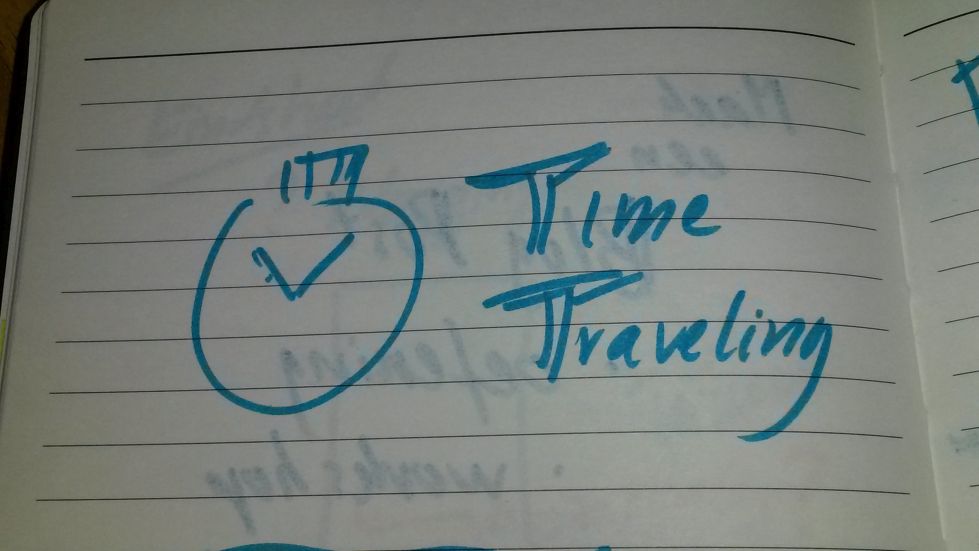
A watch followed by "Time Traveling"!
“This trick is a nice one. In the blog post from 3 October 2016 I was really delighted to be invited to speak for my first workshop at an international test conference covering my travel and accommodation costs. The post contains:
‘The fun has started.’
It points to a tweet of 6 September 2016 with the text ‘Yes seriously’.

It looks like I did some time traveling: blogging in October, tweeting in September, and finishing blogging in October. I only wrote towards the tweet, that contained my punchline.”

Act 3

Most of the times I got ideas for pictures from my sketch notes. In order to avoid copyright issues I use my own pictures and sketch notes. Or ask and get permission.

While studying User Experience, I heard about a designer making 50 designs in 50 days. I really liked his work in Amsterdam.
As a Dutchman I am biased. Of course.

Back on course. He made a booklet for frequently asked questions. There were 4 categories with questions. In 2 steps an answer for question was likely to be found.

Now I had a writing exercise for a blogging workshop. Um. Wait, I could use a similar structure for this part.
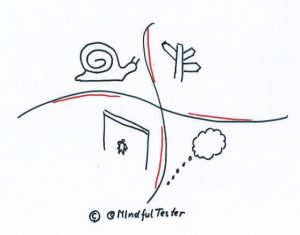
4 quandrants containing a snail, signpost, someone looking up to a bar, and an empty thought balloon!

  • Snail  meaning “Slow”
  • Signpost meaning “Direction”
  • Empty thought balloon meaning “No idea”
  • Someone looking up to a bar meaning “Bar too high”

I made this nice obstacle map. Attendees could place a sticky note on the map. With 50 attendees I could get a quick overview.
Let’s get visual.

But how to keep up with a beamer? I had 20 mini presentations to handle questions.

Scrolling
is boring.

In my mindmap I placed links to presentations. My first version was solution driven.
Wait, how was I supposed to jump to solutions?
No idea.

I changed the solution to verification of the right context. What were the symptoms? I also would ask some additional questions. Nothing is worse to misinterpret a problem encountered. That is the moment my voice start to Rumble Or … I start to Fumble For …

OK time for a little demo:
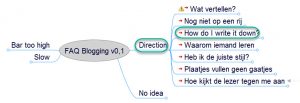
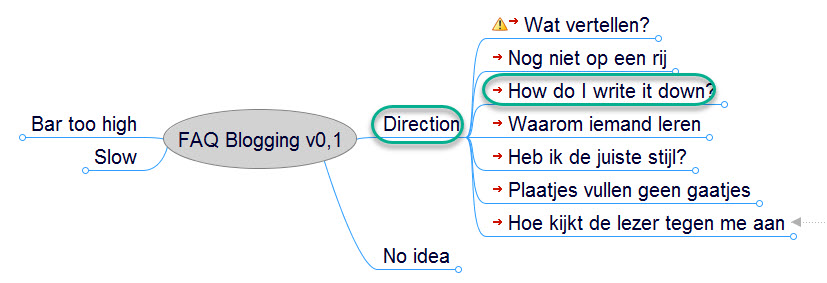
A mindmap with branches "Direction", "No Idea", "Slow", and "Bar too high"!
Using the presentation mode only the speaker – that’s me – can see the mind map. I click on “Direction” and all subbranches are opened. Then I click on “How do I write this down? ” and my first slide is shown for the attendees.
TExt balloon containing "How do I write this down?"!

“So basically this is the question, what you are struggling with.”

A tweet showing a photo of "Perron 9 3/4" at Utrecht Central Station. It is overlapped by "Time for magic"!
“I took this picture at a Dutch railway station. ‘Perron 9 3/4’ can be translated to ‘Platform 9 3/4’. This seems impossible.
Writing a blog post looks like magic for a lot of people. Let me take this as a starting point.”
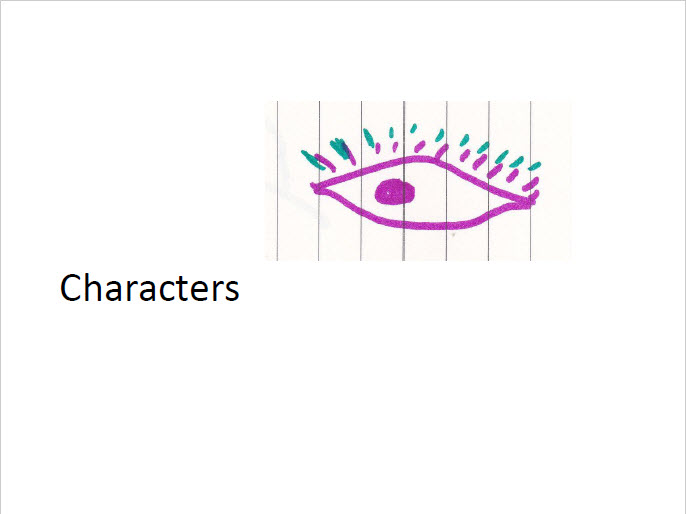
Eye and "Characters"!

“If you look to the books about Harry Potter, there are several characters. It is not all about a single hero. Every interaction adds to the story. If I write blog posts, I can use different views like the tester, the scrum master, or the manager.”

Disclaimer

This blog post does not offer 100% acceptance success of proposals. See act 1. Writing proposals and making talks take a lot of practice. And some visual tools really helped me.

BTW

if you are still hesitating to talk, please consider https://techvoices.org .
[Update: TechVoices was formerly known as Speak Easy.]
2024 Testing

This year I wrote some blog posts about legal and certification stuff. like January Testing and May 2018 Testing. So it would be appropriate to shed some light on accessibility and laws.

Disclaimer

I am not a legal expert. So please have a look at my used sources. Or contact a legal expert.

I am just a tester finding test ideas about accessibility. Thanks for joining in advance.

What?

During #30DaysOfTesting I recommended to follow Karl Groves and Albert Gareev on Twitter for accessibility. Karl had interesting news for European software suppliers. Some law for accessibility was coming.

Accessibility is coming to EU.
[On the melody of “Santa Claus is coming to town.”]

I started my search engine and found the European Accessibility Act or EAA.
Great, a new abbreviation for upsetting the PO.

On November 8 the EU wrote a proposal to improve accessibility. In section 3.5 “The proposal” of Annex 1 is written, that the implementation should take place within 6 years.

A lot of readers might think:
“No worries, mate.
2024 is beyond the horizon.”

So what?

A lot of companies would think, that this is a rehearsal of the GDPR situation. A lot of companies still think, that everything is under control. Just have a read over a forgotten test.

Okay, a typical reaction about accessibility is:
“There is no law in place.”

Let me give several comments to this statement.

  • It is not ethical. People are dependent from the internet. There are online shops, online bank portals, online government points of access, and so on. People with limitations have a right to use them.
  • There are human rights and right no 9 states, that things must be accessible. Basically the EU bought companies some time.
  • The global organisation World Wide Web Consortium or W3C created Web Content Accessibility Guidelines to help people and companies to make applications accessible. WCAG or Web Content Accessibility Guidelines is mentioned in EAA. So it is a set of practical information to make websites accessible.
  • Actually there are American laws for accessibility.
    These laws are based on WCAG.

    Accessibility is coming from the States.
    [On the melody of “Santa Claus is coming to town.”]

    Companies are being sued because of these laws at this very moment. So watch out with shipping your software to the States.

  • Websites for European institutions must be accessible.
  • Maybe at the end of this blog post I have some other comments.
    : )
    Just scroll down and up.
    I can wait.

What now?

As a reader you have the right to ask for test ideas.
OK, let’s have a look at an OK button.

  • Is it possible to navigate to this button using the keyboard?
  • Is the contrast of the text “OK” and the background big enough?
  • Is OK written in clear font?
  • Are symbols and colours used to indicate, that a press of the button is a confirmation?
  • Is OK not offensive in this context?
  • Does the screen reader recognise the OK button?
  • Etc.

Imagine the dialog with the “OK” button.
Roll up your sleeves.

  • Are the consequences of pressing the OK button clear?
  • Is a pop up dialog really necessary?
  • And so on. And so forth.

What are we waiting for?

It takes time to find the right combination for accessibility.

Did I already mention, that American companies have a clear advantage?
Or the fact, that government websites in the Netherlands must be accessible to a certain degree.

Accessibility on Dutch goverment websites.
[On the melody of “Santa Claus is coming to town.”]