All posts by Mindful tester

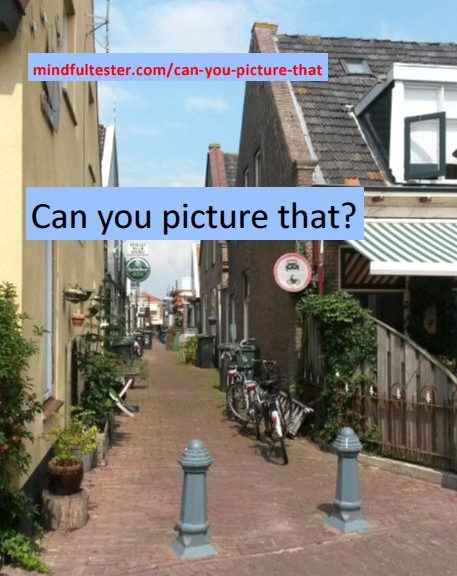
Can you picture that?

Recurring situation in my family.
“Where is dad?”
“He is taking a picture.”
Moments later:
“What did you see?”
“I saw something funny.”

In my previous blog post I wrote about Fieldstones. Jerry Weinberg used the metaphor of building a wall using Fieldstones to describe the writing of a story. I have to be mindful about my environment and then … I notice something. That can be told as a single story or part of a story. I just wonder and make a note.

At the moment I am trying to find the right pictures for my workshop at TestBash Netherlands. My basic idea was to use sketchnotes as Fieldstones. But the pictures in my notes had to be visualised.
O yeah, I’ve got a camera in my smartphone.

I thought about a Dutch windmill, so I had to cycle through the polder to make a nice picture. It required some timing from my side: with a full workweek and less sun every day I had to do it in the weekend.

All the elements of a typical Dutch landscape were present:
a windmill, a polder, and a nice greeny dike
photographed by a Chinese on a bike.

What makes a good conversation starter? In my case it is a good story about visuals. It can be the awkward use of words. I can tell for minutes, but making a picture stops or slows down my flow. It gives my listener a moment of rest to reflect on my message.

A picture can also give another view on a situation. As a tester I make models of programs, so I can perform better tests. There are words to describe them: test techniques and heuristics.

Which ones do I use? Most of the time it boils down to a small set. Once in a while the same tools are used too often. A simple statement of the end user can make me aware of what I am missing. Then I have to adopt: choose another way of testing or extend my test technique or heuristic. That is the most important part of my workshop.

Is there a way to determine, whether I use the right way of modelling? Maybe if I find bugs. Or when a content customer calls.

Until I will stop with testing, I have to observe and ponder upon my way of testing. This requires Continuous thinking about what can be improved in this context.


I think: “I just wrote another Fieldstone.”

Blimey, I intended to write about using funny pictures in my slides, but this Fieldstone was shaped in another way.

Can you picture that?
Sketchnoting Fieldstones

My workshop “An Appendix to Visual Testing” had been accepted. It was time to make sketchnotes.

Patient with Proposing

This spring I created a 30 minute presentation about Visual Testing for a test conference. On Twitter I had read about last minute changes because of other obligations of the speakers. Although I had not been selected for replacement, I still carried my presentation with me on that conference. Digital files are so easy to carry around these days.

Using the Fast Fast Forward button I could show the delegates some highlights of my testing solutions. I try to avoid this style. I prefer Try and Remember.

With no conferences on my program I stocked my presentation on my hard disk. For the record, before 2016 I was not particular fortunate with this proposal at at least three other test conferences on this planet.

“Some day my conf will come.” [On the melody of “Some day my prince will come.”]

In the following months I reused the workshop idea twice for different conferences. Two polite thankful rejections followed. I still had faith in the workshop, so I pitched it again. Then I got good news: a half day tutorial at Testbash Netherlands.

Creative with Crafting

Given a half day is 4 hours when I have a presentation of a half hour then I have to fill another 3 and a half hours. Emily Bache once talked about Arrange, Act, and Assert. At last I had arranged my workshop. So I had to act in order to assert that I would have a half day tutorial.

Luckily my presentation was a dehydrated version of a workshop. With enough water I had a 3 hour workshop: 3 examples including supporting stories with in depth exercises.

One of the first things I did was buying a small notebook. You know one of those booklets with lined paper pages and no battery included. In this little book I captured my ideas visually for this workshop. I intentionally put mind mapping aside for a while. I wanted to make a visual journey for my delegates and myself.

The last years I saw sketchnotes. I had my doubts, but I started to like the doodling, the seemingly unstructured way of drawing and writing. Instead of the clockwise structure of mind maps I had more freedom to make my notes. I even could draw first and write later. That is a big + for a visual tester like me.

There were more surprises with sketchnotes than I expected: one in depth exercise started as a simple design exercise. Within a week it lead to another intriguing exercise. My homework is to describe the solution using visual stuff. There are some times some things do not feel like work.

The introduction of the workshop was another creative process in progress. By making a story board I could draft more than 10 versions and find the right start.

Just Collecting Around

During the preparation I slowly picked up mind mapping again. I used it for structure and overview. In the meantime I found other things to share. Jerry Weinberg calls them Fieldstones. I used to call them Blog Ideas.

In my quest to improve my blogging I found “Weinberg on Writing – The Fieldstone Method”. This nice book gave me some hints to gather pieces of information and group them later on. While I thought about my workshop, I made notes.

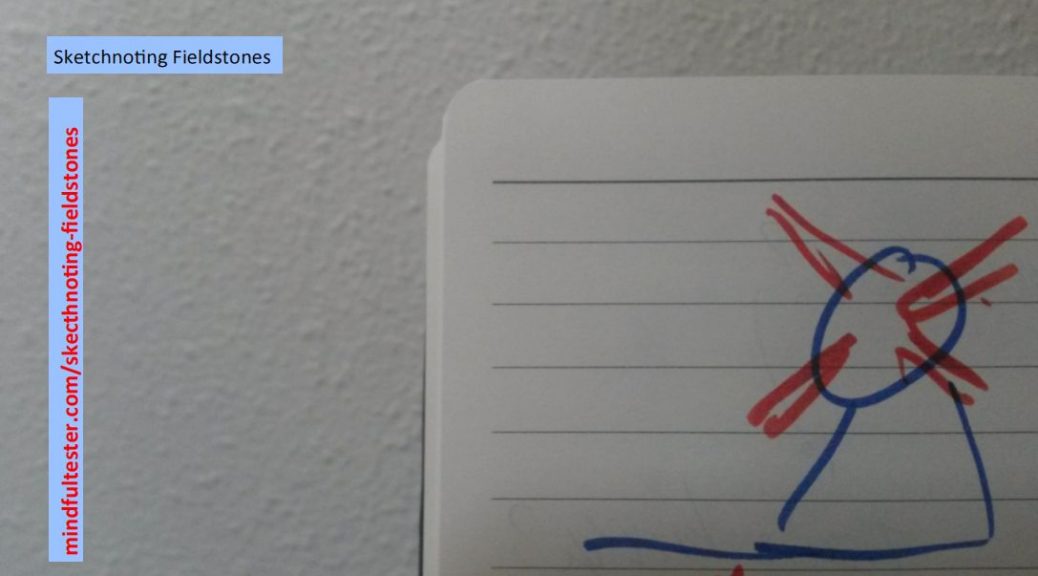
My fieldstones were sketchnotes which filled my little notebook. Things waiting to be told.

Crazy Test Investigation

Summer in Europe and it was warm. I was thinking about an upcoming challenge of #30daysoftesting. I had to create a crazy test.

What about a crazy test with the ultimate penalty, the loss of LinkedIn? That would make me crazy.
Can you imagine that?

It all started with this

This blog post was originally posted on LinkedIn.

  • #LinkedIn Changes I Use
    Some things never change in LinkedIn: total strangers who want to be connected, and a neat CV builder. During my fifteensome years utilising this very service – as we use – LinkedIn did change. This is my personal report about the changes I noticed and am still using.Nowadays requests to be connected can only be handled with a yes or no. To be more precisely v or x. In the past it was possible to have extensive dialogues by replying to invitations, but that is past tense. Apparently some people wanted a standard button.Even replies on job offers are streamlined with three buttons with standard brief answers. They can be summarised as Yes, Maybe and No using pictures of respectively v, a Rolodex card (!), and x. The job offers can still be used for two way communication without the exchange of email addresses.The options for the CV have been extended with voluntary work and certifications. The first is to show that I care about non related work items. The latter are in high demand by abbreviation loving recruiters and HR people (or in reverse order). Somehow they seem to be connected. There is still no proper place to mention, that I am a World Record Holder in juggling.

    A few years ago I noticed that LinkedIn became a more closed community. Profiles can still be found using search engines, but they cannot be viewed without LinkedIn account. The advantage is that I can track views of my profile better than a decade ago. Probably even my own views on my own posts. In particular cases companies and job titles of viewers can be determined. A blog post is not part of a profile, so information of the viewers is being collected. If you are the only reader of this blog post today, I can determine your job title, your location, and your industry.

    The biggest change for me is free blogging on LinkedIn. This is very appealing for a Dutch man. There is a reasonable editor, which offers basic functionality. My first thought was “What You See Is What You Get”, but that was temporary. Extensive editing added random new lines or even unwanted bullets in the blog post. This once led to an embarrassing moment, when I showed a colleague my poorly edited LinkedIn blog post.

    Editing during multiple sessions was an exercise in patience. For months I added a new dummy blog post in order to continue editing my draft blog post. Of course I removed the empty blog posts afterwards, but this was not user friendly. The normal and unusual way is to select “edit profile”, select “see more” in the posts section, and then go to my last draft version. In known blog software profile and blogs are different things. In LinkedIn the blog posts are part of the profile, so no information should be collected from the viewers when indicated. Hereby illustrating an inconsistency with a situation as described a few paragraphs above.

    For a person with no background in marketing like me it was quite challenging to position a picture in the header of the post. A seemingly random chosen rectangle or blow up is selected to be shown. This view can only be changed by moving it left or right. My first reaction was to decrease the resolution of the picture. Then I got a cryptic message, that the resolution must have a minimum specified size. Now I had to figure a way to count the number of pixels in two directions. This added another dimension to voluntary work.

    After having placed my first blog post I got a nice mail with statistics. It was quite hopeful: I scored likes and a decent number of views. Then I noticed some disadvantages: no mails are sent, if my blog posts were viewed a few times. And likes are noted as permanent instead of updated regularly. So my advice to the reader is not to brag about the number of likes.

    A legitimate question for me would be: “Why did you not describe the other LinkedIn changes you stopped using?”. My answer is: “This is a time saver.”

Try hard

Losing my Twitter account is bad, but my LinkedIn account would be worse. I would basically be non existent and therefore have no credibility at all. Especially for recruiters, if they still could find me.

In order to minimise the loss I made a backup of all my contacts, my blog posts , and my profile including recommendations. Check.

Then I hit the Publish button.

I got a final warning. I confirmed my action.

In the days after the publication I expected a polite mail from LinkedIn to express concerns with the contents of the blog post. And an explicit request to remove the blog post. Nothing happened.

Actually tensome people read my blog post. It did not go viral. Nothing to report about. But I just did.

Try hard with a vengeance

A few weeks later it was summer in Europe and it was warm. I thought about my blog post, that did not concern any people, except me of course.

Obviously the inconsistent use of settings was of no concern for any one. If someone looks to a LinkedIn blog post, the area, where the reader lives, the job title, and the industry of the reader are collected in sets. If I would have one reader a day, then I could easily combine the information. Nobody would flinch, if I told in which industry she /he worked. That left area and job title. This still had a low scary level.

I had the perfect plan to increase the level of craziness for my test by changing the tone of voice. So I twittered:

  • If you click on this link, I know where you live and your job title.
    Lnkd.in/e-Dnk_y
    #crazy #test
    Day 6 of #30dayssoftesting

On that day nobody clicked on the link . I repeat: On that day nobody clicked on the link . And no request to change my blog post. Fortunately.